
WordPress is the most popular content management system on the planet, with over 43% of websites running on it.
What is WordPress?
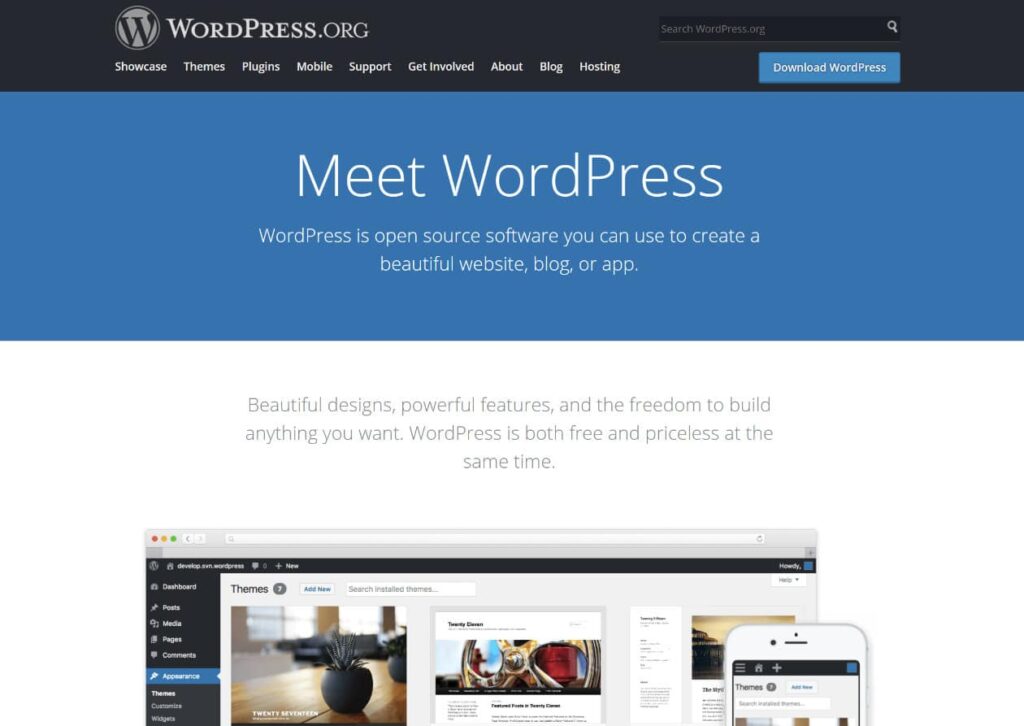
WordPress is a content management system, or CMS for short, that helps bloggers and webmasters edit content on a regular basis without the need to use a traditional HTML editor software, for example, Dreamweaver or Frontpage. If you don’t even know what these are those, consider yourself lucky.
WordPress itself is an open source software licensed under GPLv2 which means it’s free to use and free to modify. WordPress.org is the self-hosted version, that you can run on your own servers or purchase a hosting package from one of the numerous web hosting companies. The benefit of a self-hosted blog is that webmasters have access to the code behind their site, as well as the roughly 56,000 free plugins and 2,500 themes that are listed on the official repository (WordPress.org) – and even more from commercial sources.

Technology is best when it brings people together.
Matt Mullenweg
WordPress FAQs
What are WordPress’ features
WordPress has an extensive list of features and, as it is constantly evolving, this list of features is constantly growing. Check out the up-to-date list of features.
When was WordPress first released?
WordPress started out as a fork of b2/cafelog by Matt Mullenweg and Mike Little. The first version was released in 2003.
What’s the difference between WordPress.org and WordPress.com?
WordPress.com is a blog network run by Automattic. It uses WordPress software, but individual blogs are hosted and managed by WordPress.com. This is a free service with premium add-ons and upgrades.
Here at WordPress.org, you can download WordPress, the web software that WordPress.com runs on. Once you’ve downloaded it, you can upload it to a web server and run your own WordPress website.
There is useful information about this distinction on the WordPress.com website.